

媒体应用开发者可以使用 Car App Library (CAL) 构建应用的用户界面。此库提供了一种替代传统方法,即通过
MediaBrowserService 提供数据,供 CarMediaApp 呈现。
基于 CAL 的模板化媒体应用让开发者可以自定义用户界面,以匹配其品牌身份。与基于 CAL 的应用不同,使用
MediaBrowserService 和 CarMediaApp 的传统媒体应用不允许开发者自定义界面样式;此样式由 OEM 控制。
开发者可以构建支持 Android Auto 和 Android Automotive OS (AAOS) 的模板化媒体应用。
集成
对基于 CAL 的模板化媒体应用的支持需要平台集成。
前提条件
“替代应用控件”让应用可以在播放背景音频的同时提供经过分心优化处理的控件来控制该音频。
“替代应用控件”在 Car-apps-release-14 及 更高版本中提供。
- 让应用可以播放背景音频
- 让不使用
MediaBrowserService的应用仍可以通过系统媒体卡片进行控制。
平台必须声明支持
com.android.car.background_audio_while_driving。
平台变更
平台的 CarMediaApp 必须:
- 拥有启用媒体应用的 CAL activity 的权限。请参阅代码示例。
- 在支持
android.software.car.templates_host.media功能的设备上启动 CAL activity,而不是媒体中心。请参阅代码示例。
平台的 Car 启动器必须:
- 在
CarMediaApp启用媒体应用的 CAL activity 后,仅在 Car 启动器中显示一个应用图标。 - 监听
PACKAGE_CHANGED广播并刷新 应用列表。请参阅代码示例。
平台的媒体卡片或小部件必须:
- 在媒体卡片中显示正在播放的音频。
构建配置
平台必须声明支持 android.software.car.templates_host.media:
<permissions>
    <!-- Declare support for templated applications. -->
    <feature name="android.software.car.templates_host" />

    <!-- This feature indicates that the system supports apps that use the
    Car App Library Media category -->
    <feature name="android.software.car.templates_host.media"/>
</permissions>
测试
使用 TestMediaCalApp测试平台对基于 CAL 的媒体应用的支持。TestMediaCalApp 是使用 Car App Library 构建的媒体应用,模板宿主会在平台上呈现该应用。
安装
TestMediaCalApp.apk。在启动器上打开名为 Test Media3 CAL App 的应用:
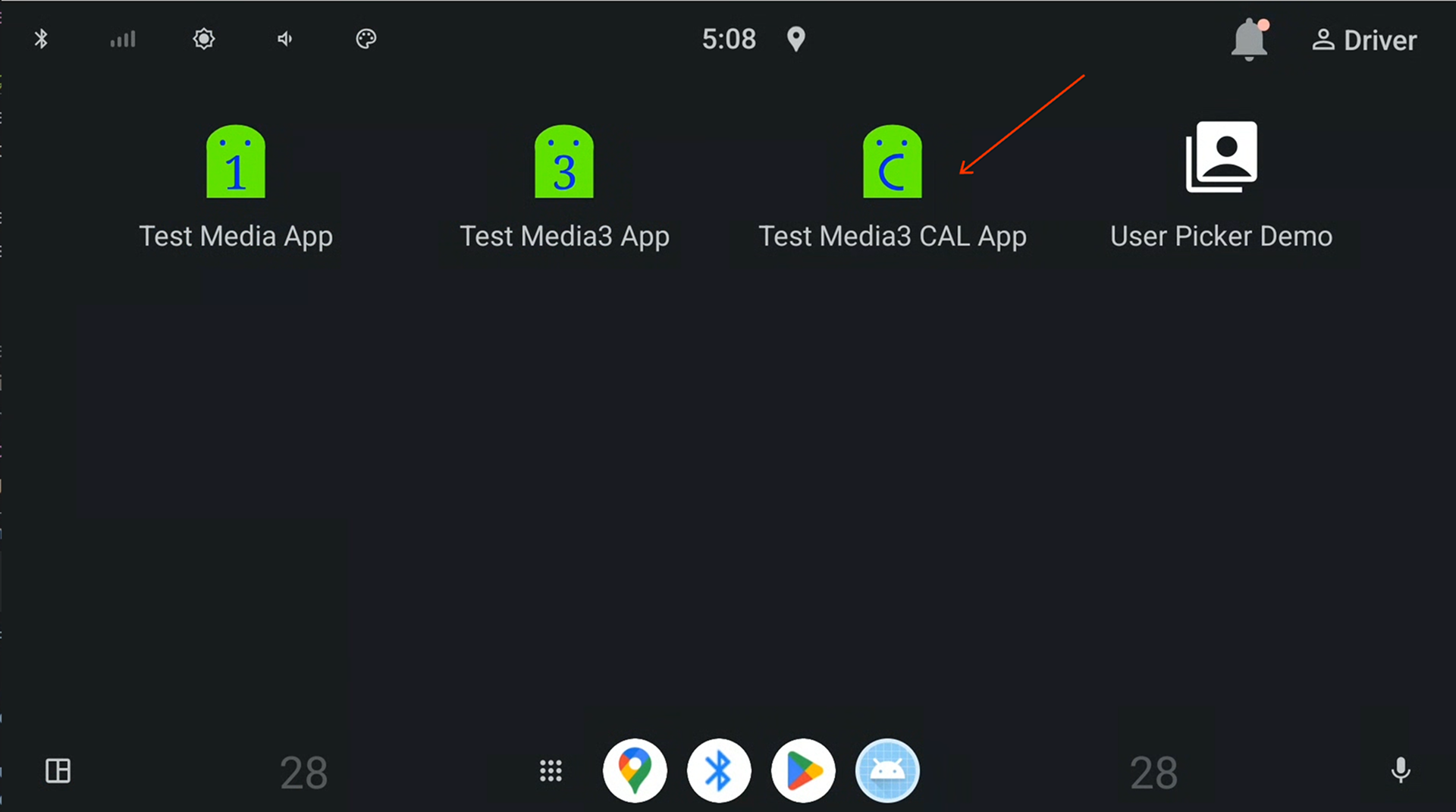
图 1. Car 启动器上的 Test Media3 CAL App。
应用启动后,返回到启动器,观察到应用的名称已更改为 Test Media CAL App 。之前名为 Test Media3 CAL App 的应用应该不再可见:
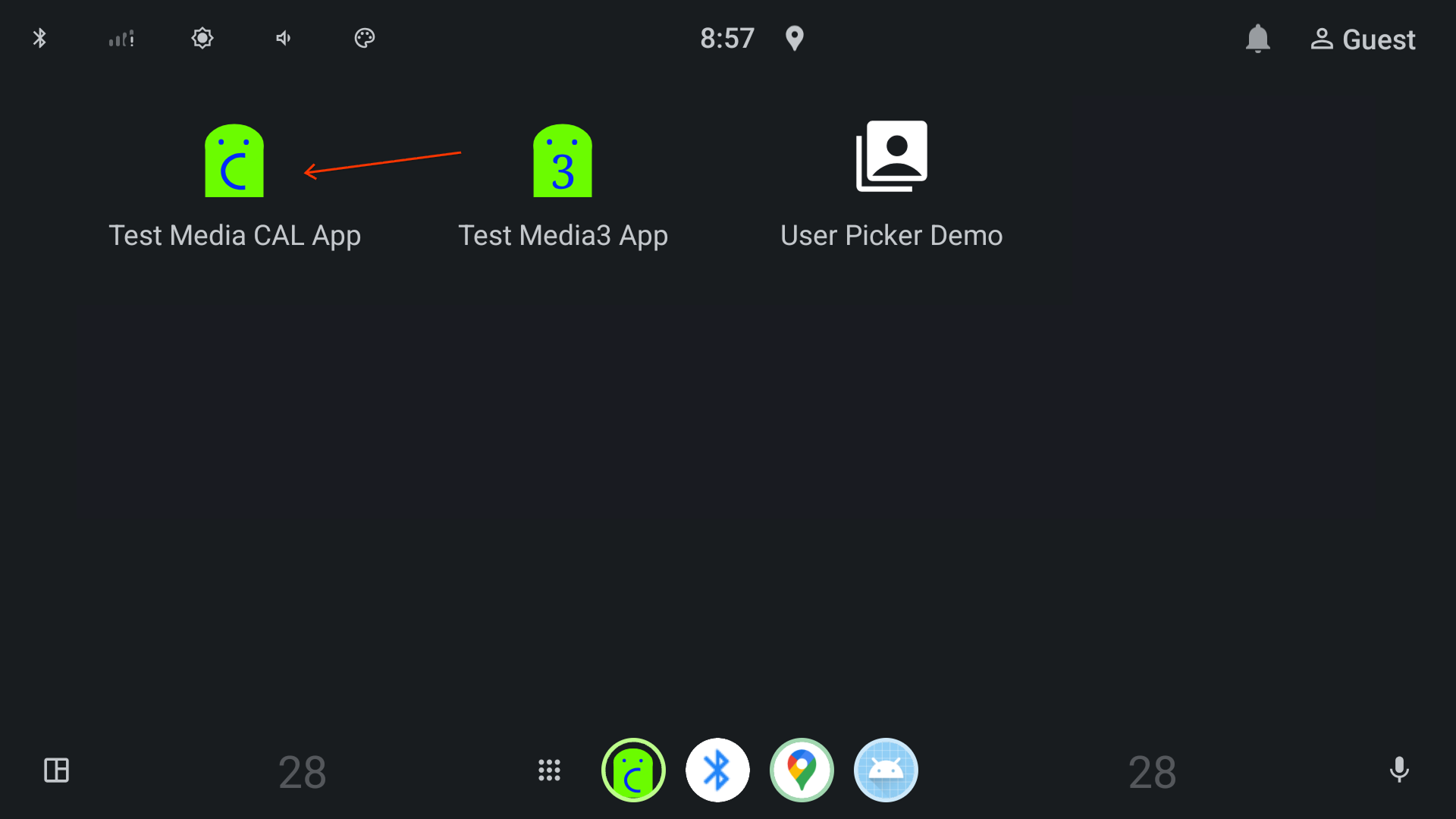
图 2. Car 启动器上的 Test Media CAL App。
打开 Test Media CAL App ,然后点按播放列表中的歌曲来播放任何歌曲:
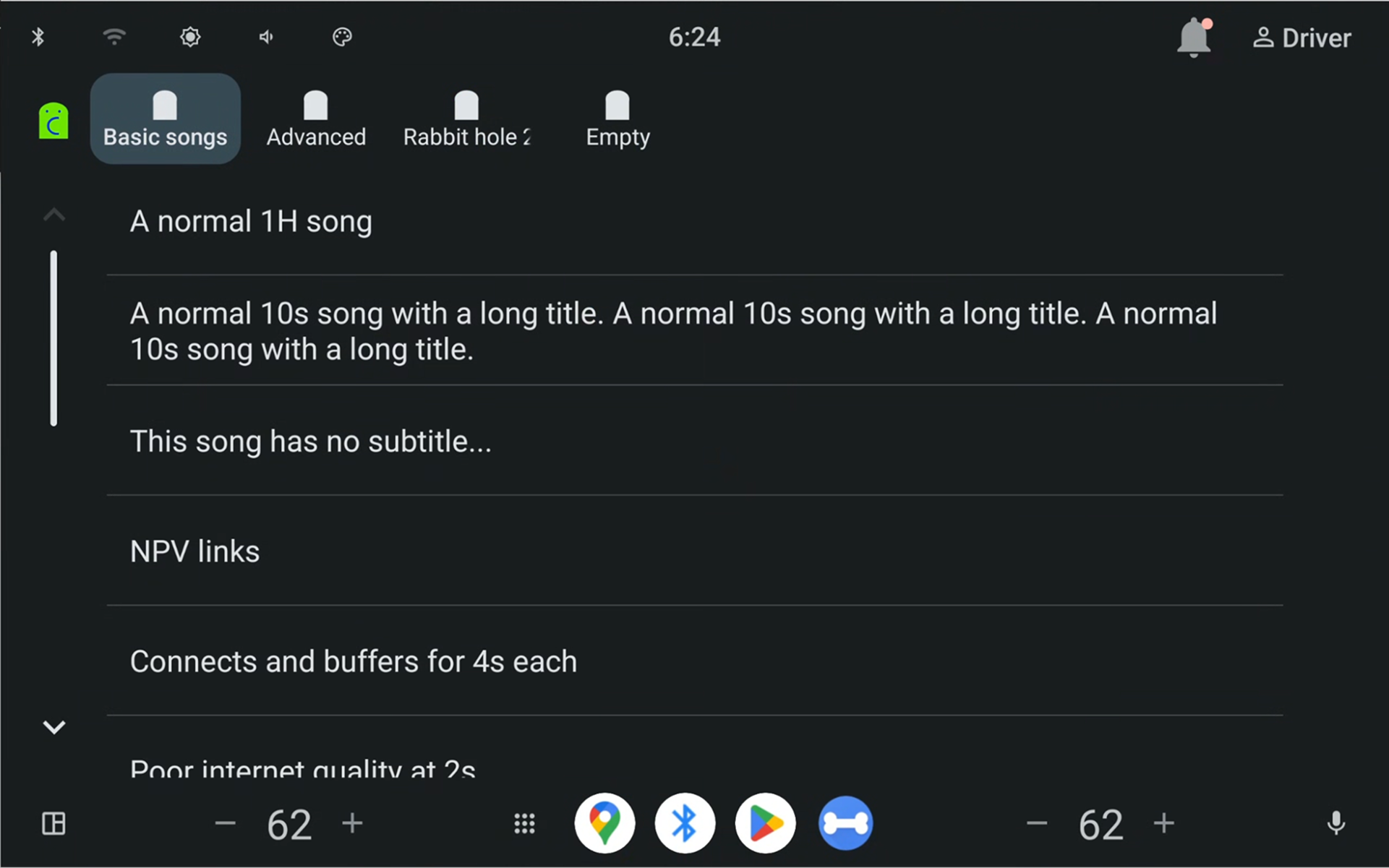
图 3. 应用宿主呈现的播放列表视图。
观察到“正在播放”视图 (
MediaPlaybackTemplate) 已打开: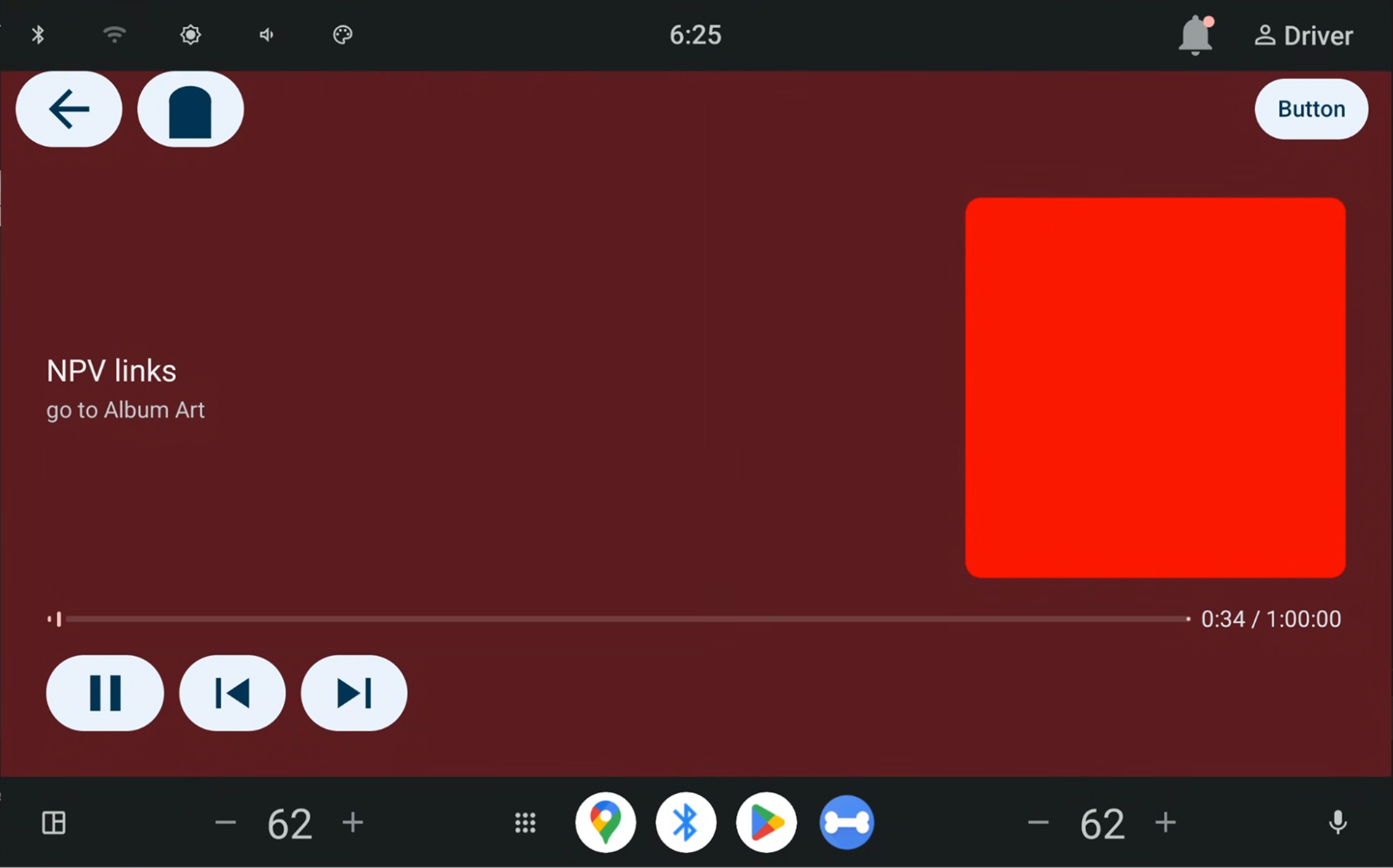
图 4. 应用宿主呈现的“正在播放”视图。
观察到“正在播放”元数据显示在主屏幕媒体小部件中:
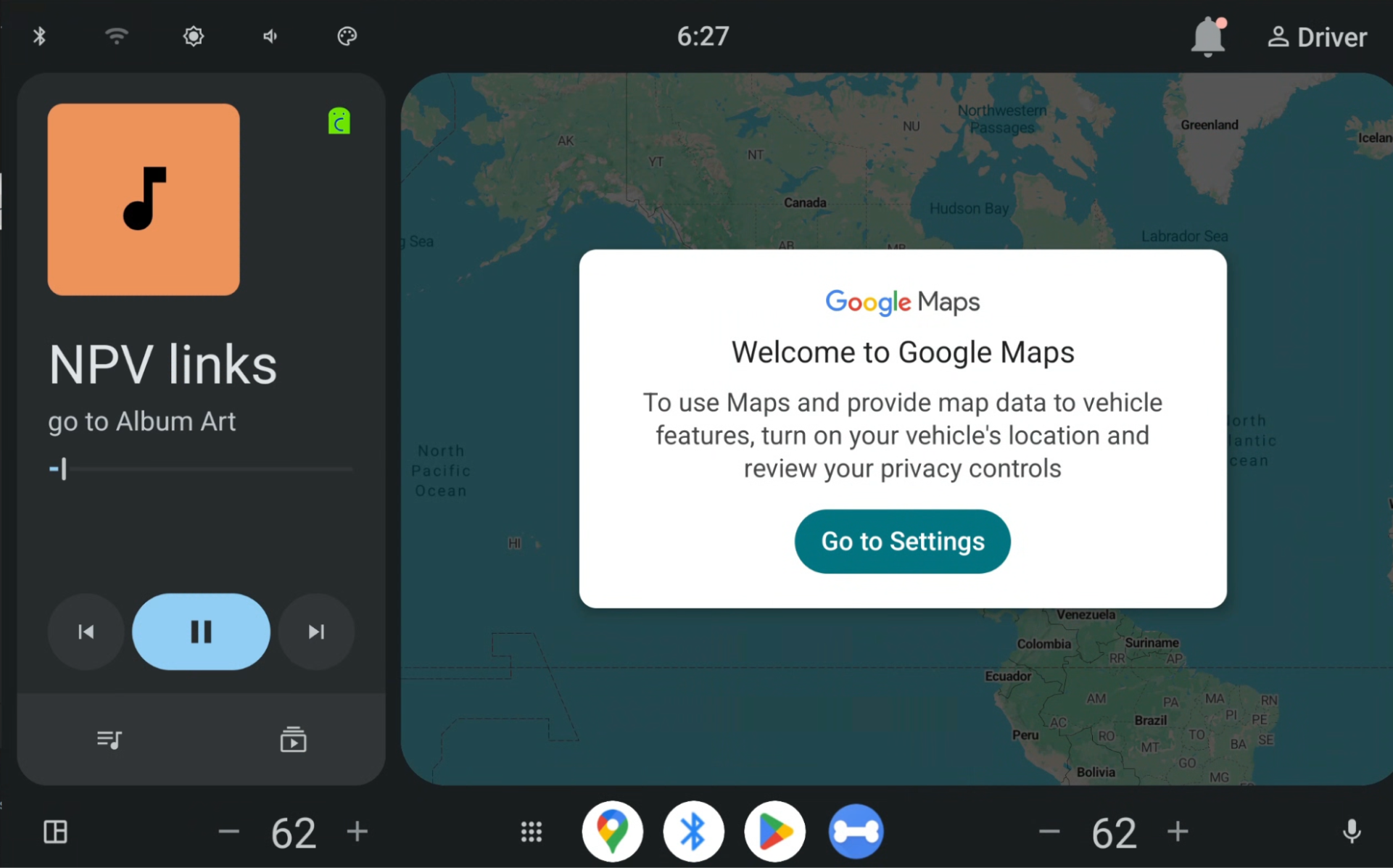
图 5. 媒体卡片。